

3DVista Virtual Tour Suite
Create and publish interactive 360° virtual tours and 3D experiences.
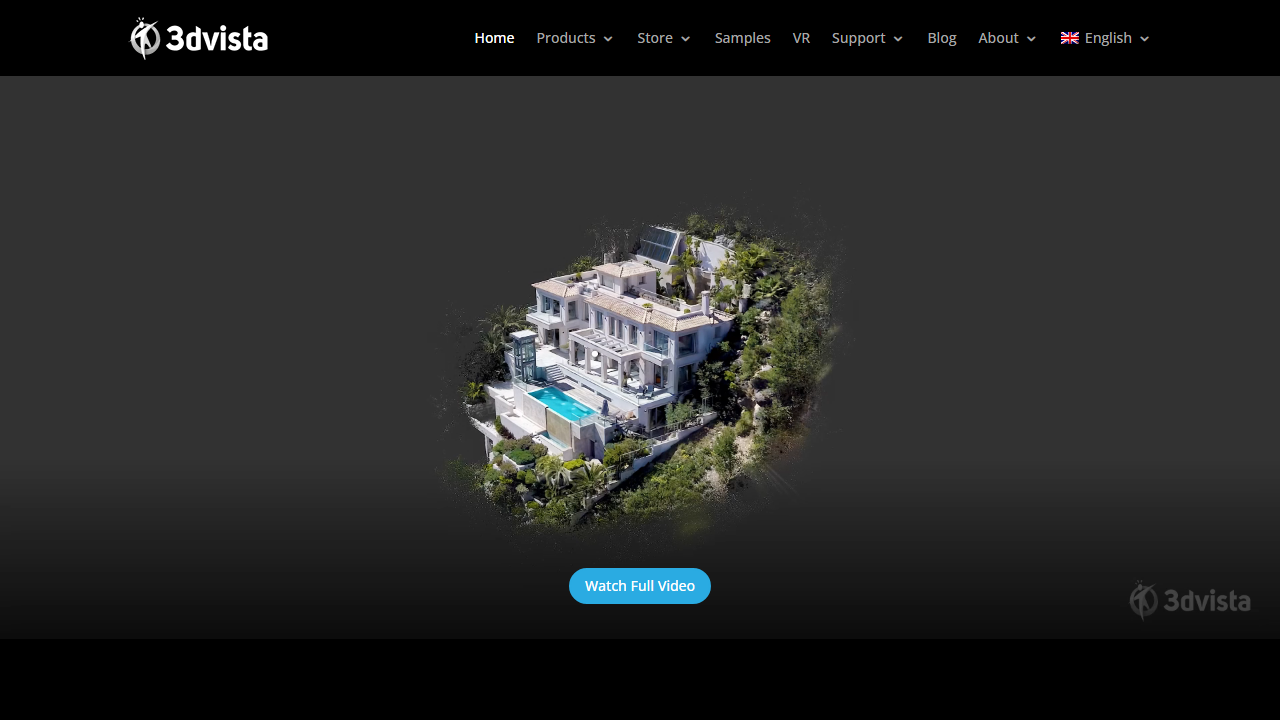
About 3DVista Virtual Tour Suite
3DVista Virtual Tour Suite provides tools to capture, edit, and deploy interactive virtual tours using 360-degree photography and 3D content. The platform includes a drag-and-drop editor, pre-built templates, branding customization, and support for hotspots, floor plans, and multimedia embeds. It caters to real estate professionals, hospitality businesses, museums, and enterprises seeking to showcase properties or spaces in an immersive format. Tours can be published to web, embedded on websites, or shared via mobile apps with analytics tracking.
Features
- 360° panorama and 3D tour creation
- Drag-and-drop editor
- Customizable branding and templates
- Hotspots and interactive elements
- Floor plan integration
- Analytics and visitor tracking
- Multi-platform publishing (web, mobile)
- White-label options
Use Cases
Real estate virtual property tours and listings
Hotel and hospitality venue showcases
Museum and gallery virtual exhibitions
Corporate facility and office space tours
Event venue marketing and previews
Educational campus virtual tours
Pricing
Pricing information is not available from the vendor site right now.
Source: Pricing page (Not available)
Frequently Asked Questions
What type of content can I create with 3DVista Virtual Tour Suite?
You can create interactive 360° virtual tours using panoramic photography and 3D content, with support for hotspots, floor plans, and multimedia embeds.
Do I need coding skills to use 3DVista?
No, 3DVista features a drag-and-drop editor that allows you to create branded virtual tours without any coding knowledge.
Where can I publish tours created with 3DVista?
Tours can be published to the web, embedded on websites, or shared via mobile apps across multiple platforms.
What industries commonly use 3DVista Virtual Tour Suite?
The platform is popular with real estate professionals, hospitality businesses, museums, and enterprises that need to showcase properties or spaces.
Additional Details
Platforms
- Web
- Windows
- Mac
Reviews
No reviews yet. Be the first to share your experience!
Last updated: Apr 19, 2026